Download for free:

Track blood pressure & sugar levels the way your doctor loves.
Vitals Log is a simple, reliable health journal built for home monitoring. Record blood pressure and glucose, review color-coded trends, and share clean reports with your care team in seconds — for yourself or multiple family members, all on one device.
Prefer to talk to your doctor first?See how reports look →
Download on the:
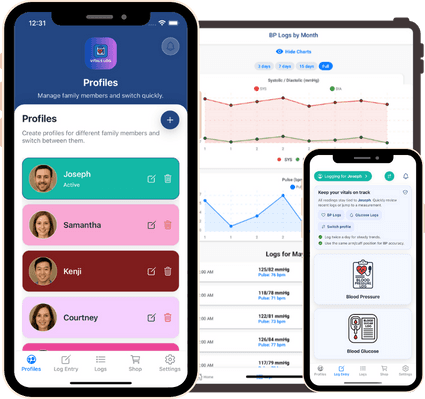
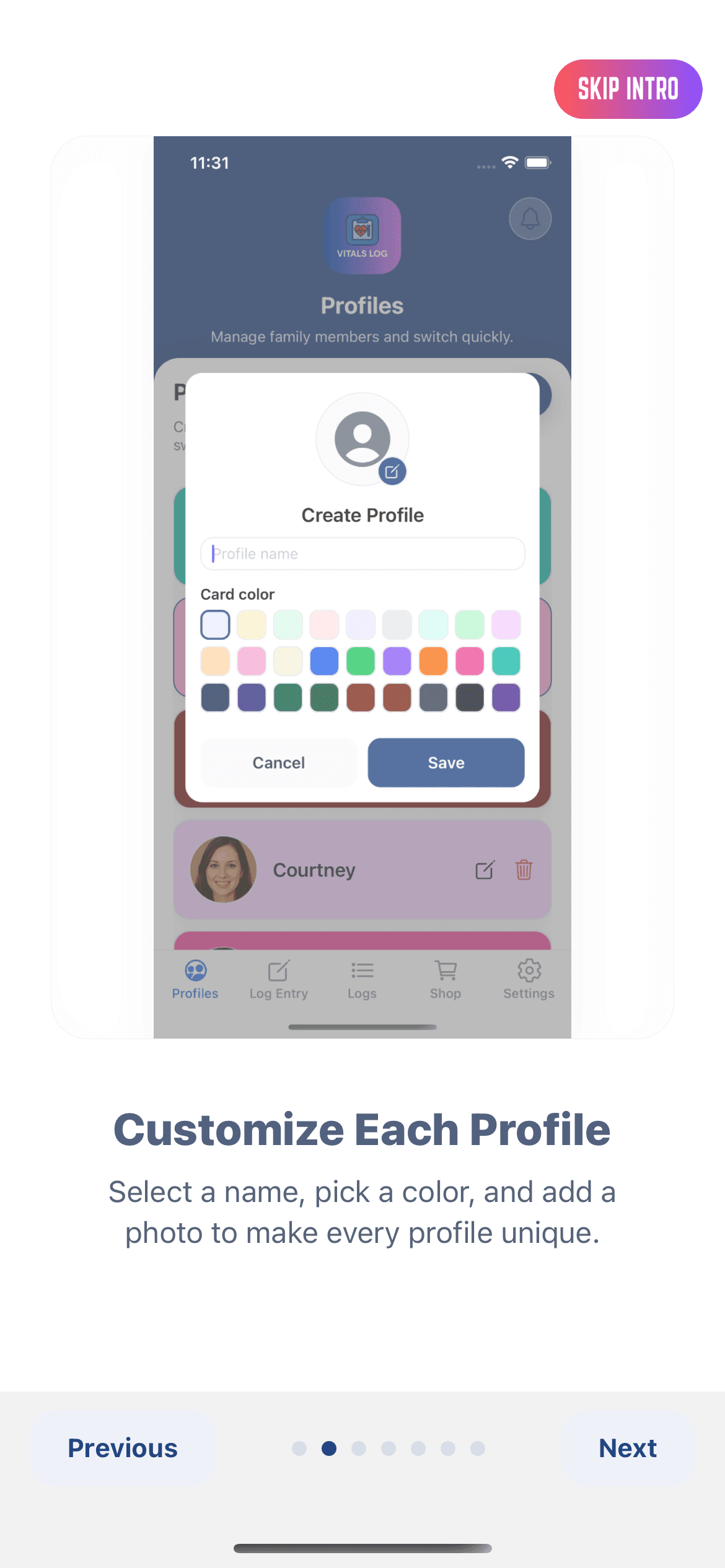
Manage Multiple Profiles
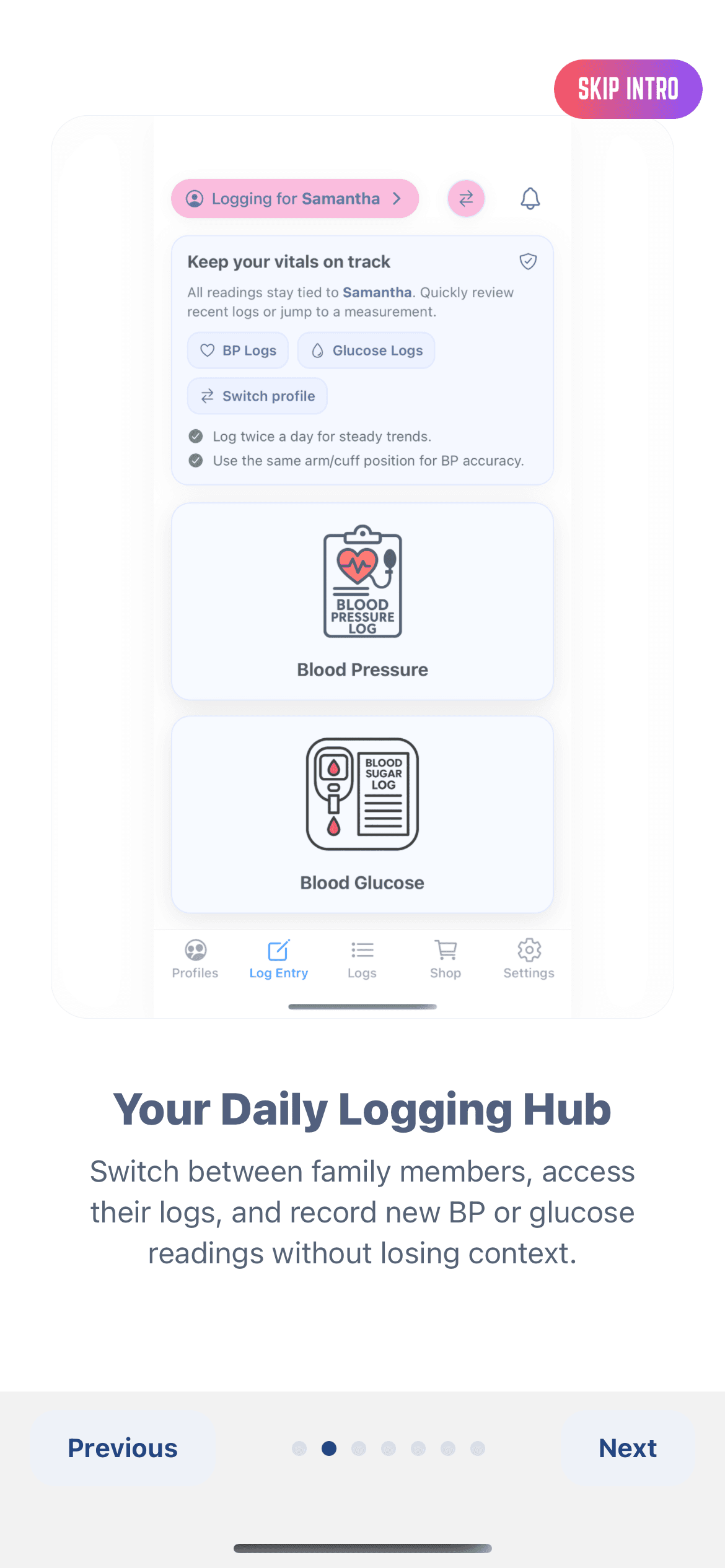
Effortlessly create and switch between profiles for family members while tracking blood pressure and glucose in a single, secure, and beautifully organized health journal.
Privacy-First by Design
No login required. Your data stays on your device, works offline, and is never uploaded unless you choose to export or share.
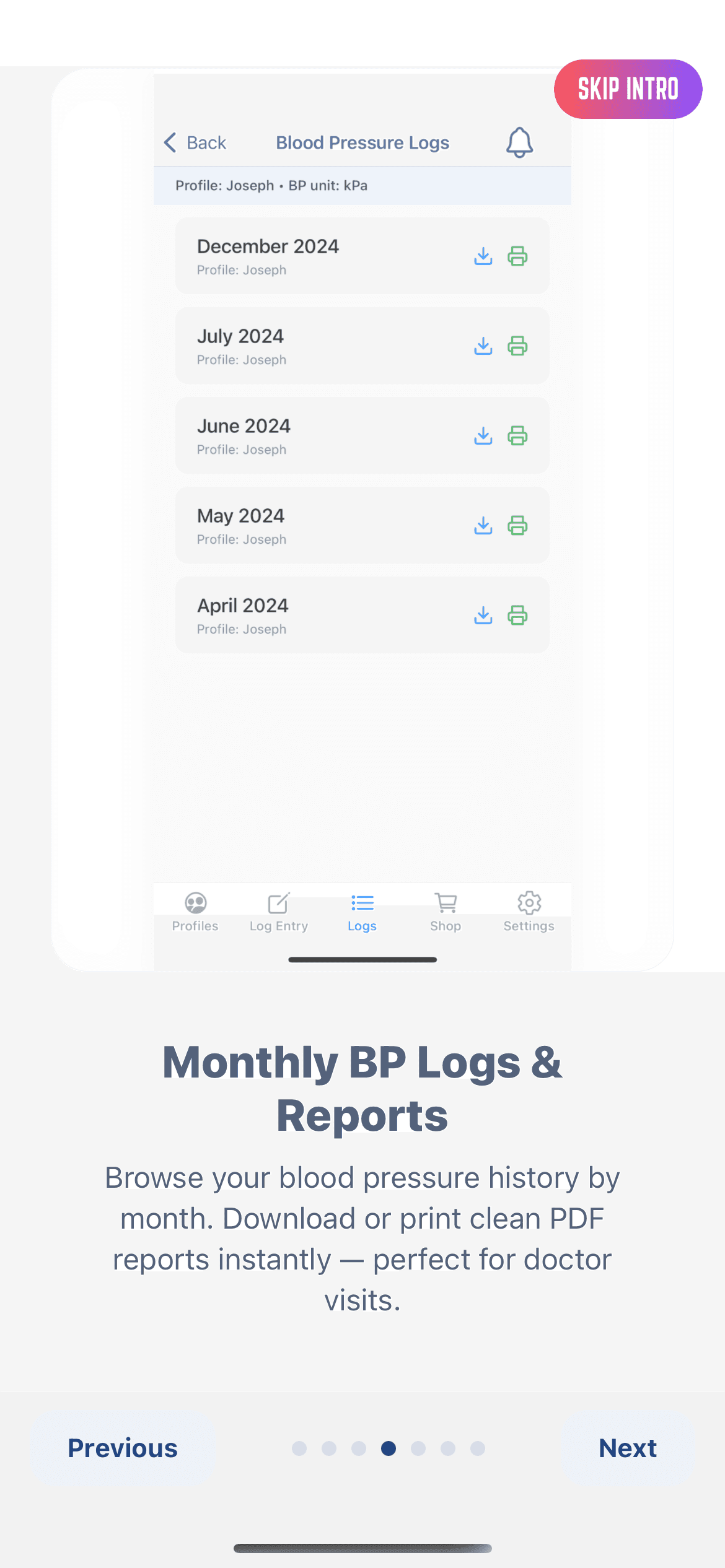
Doctor-Friendly Reports
Generate color-coded PDF summaries of your monthly readings — perfect for sharing with your healthcare provider. Includes print and export support with clean A4 layouts.
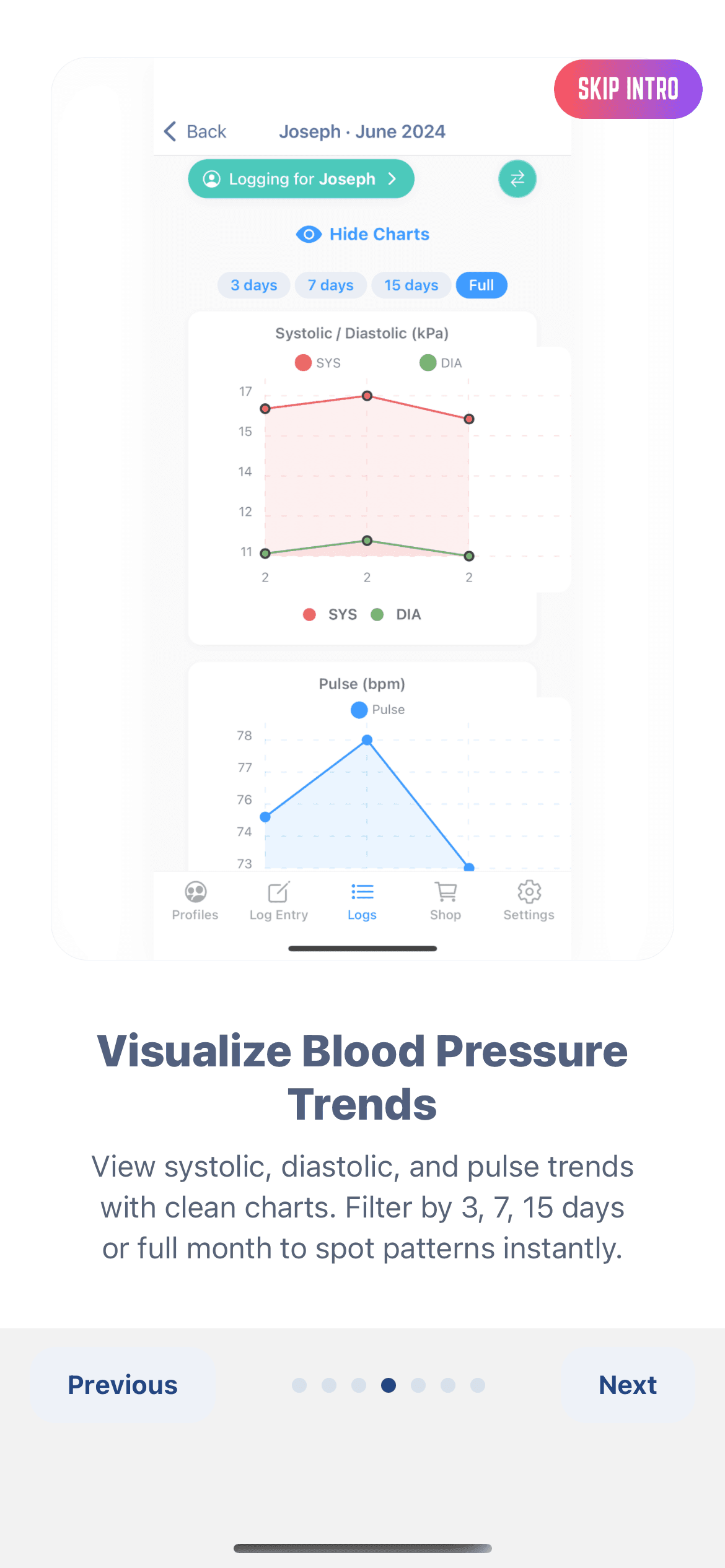
Charts & Visual Insights
View clear line and bar graphs of your readings, helping you spot trends in systolic, diastolic, glucose, and pulse data at a glance.
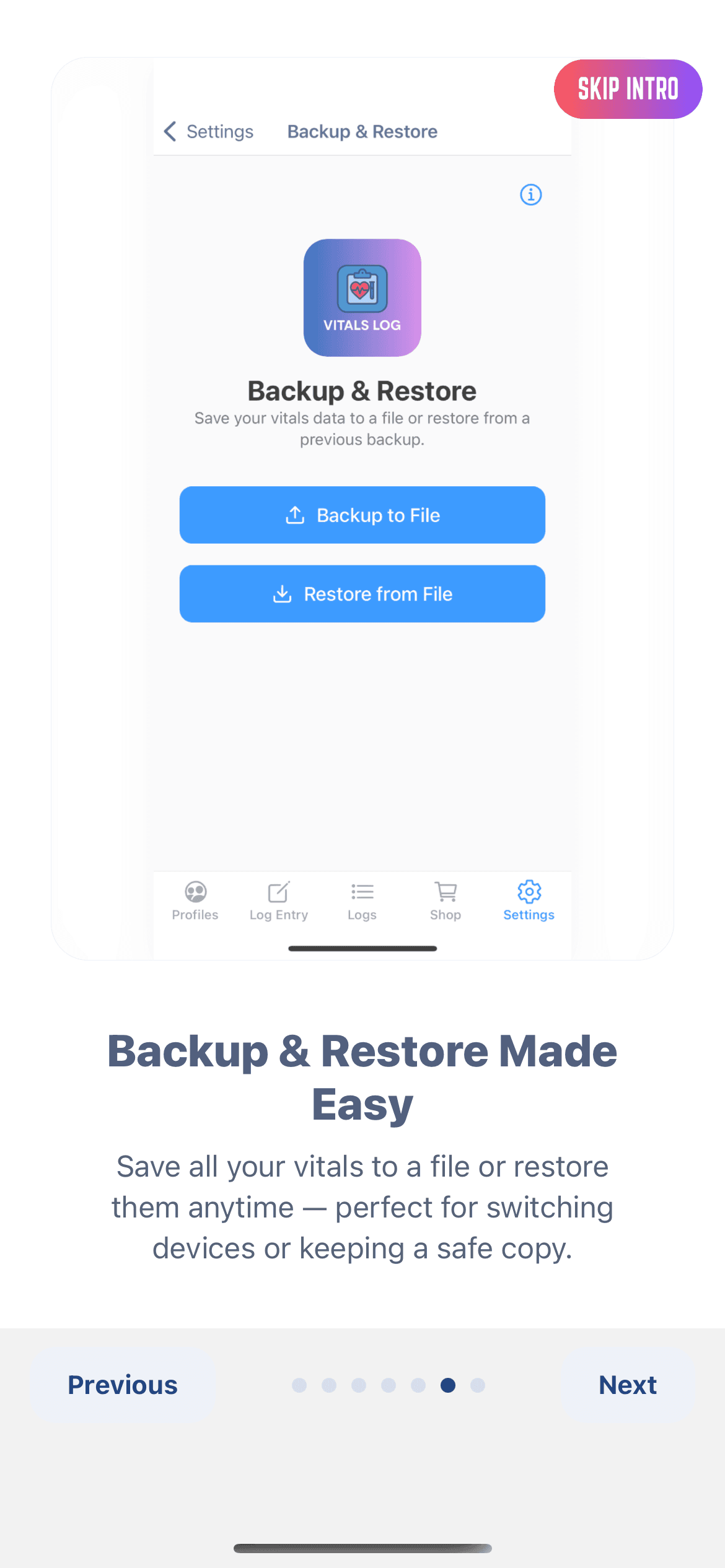
Data Safety & Backup
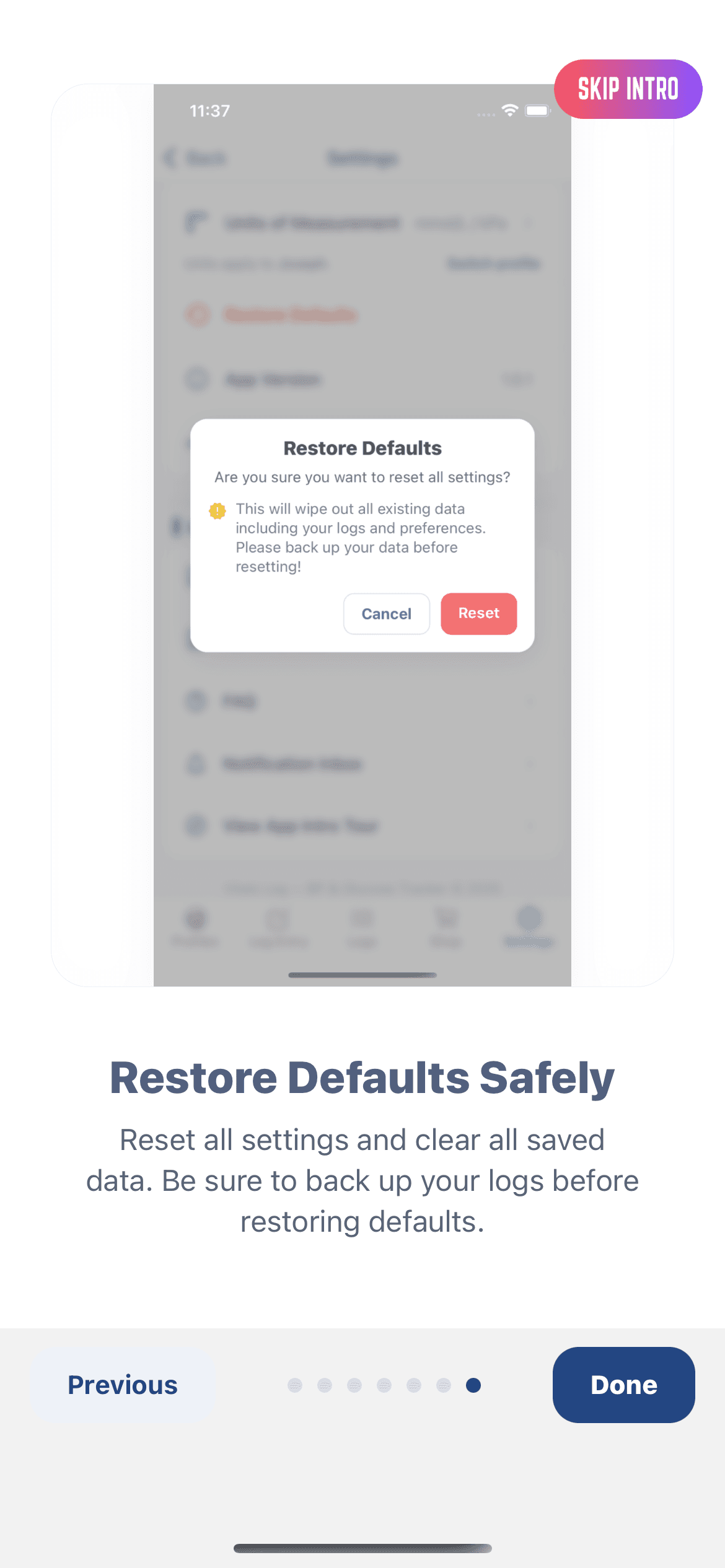
Easily back up and restore your data using local storage or future cloud sync integrations. Keep your vital history safe and transferable between devices.
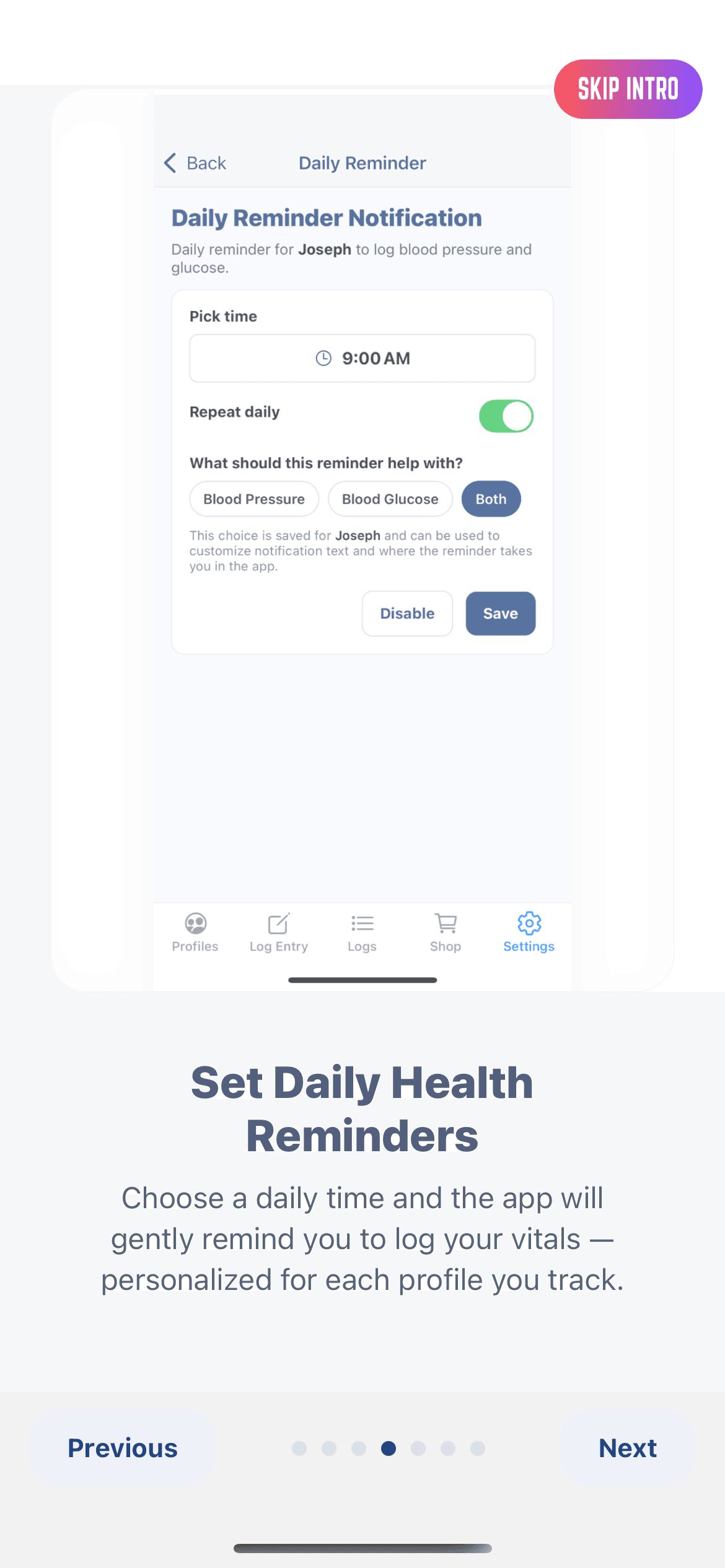
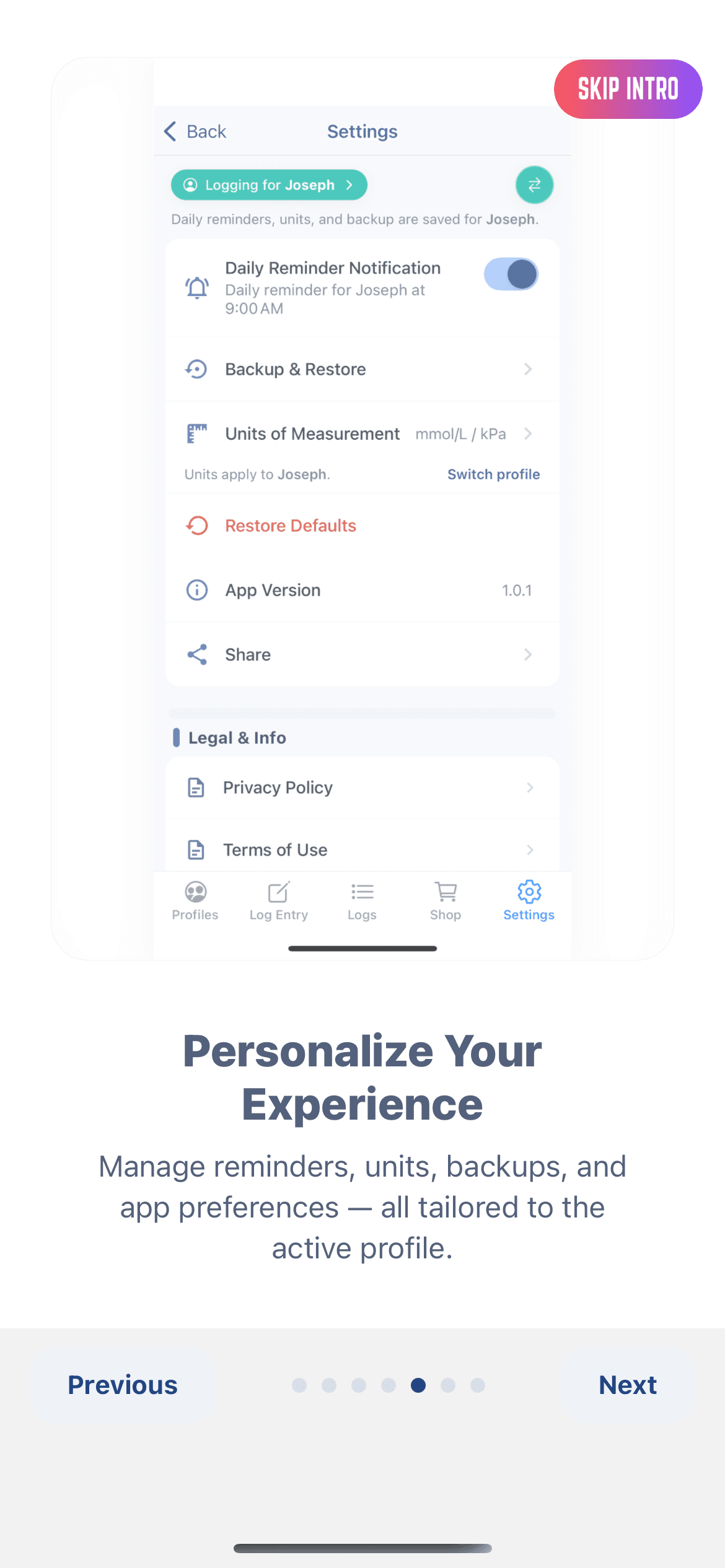
Personalized Reminders
Set daily notifications to take readings or log results, ensuring you never miss a measurement.
Built for calm, not chaos
Everything you need to track vitals at home — nothing you don't.
Vitals Log keeps the focus on high-quality readings you can rely on, not noisy charts or ads everywhere.
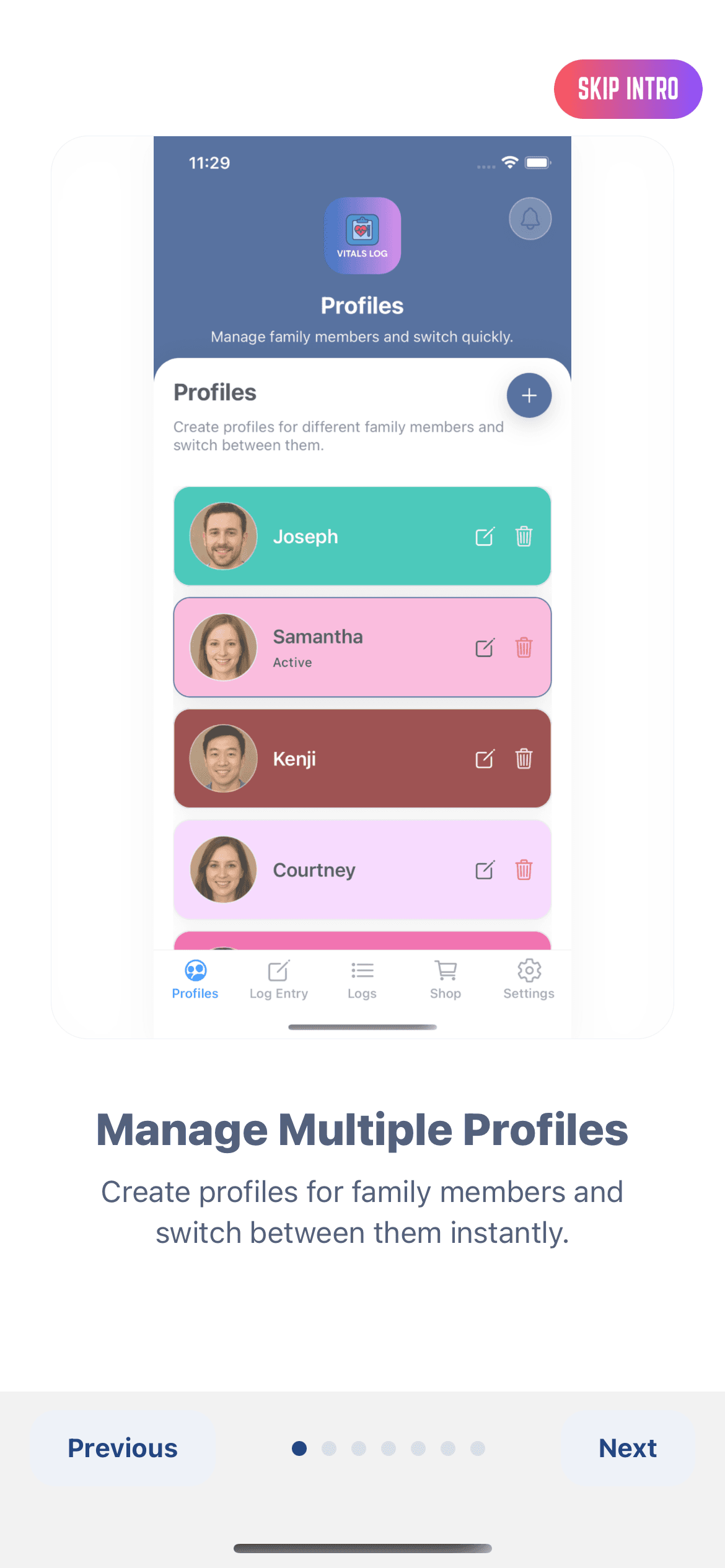
How it works
A calm flow from cuff to doctor-ready PDF.
Vitals Log is intentionally simple. No account sign-ups, no social features, no distractions — just three clear actions that make sense for you and any profiles you set up on your device.
Step 1
Prep, then measure
Sit for a minute, feet flat, arm at heart level. Use your cuff or glucose meter, pick who you're logging for, then tap Blood Pressure or Glucose in Vitals Log.
Step 2
Log with context
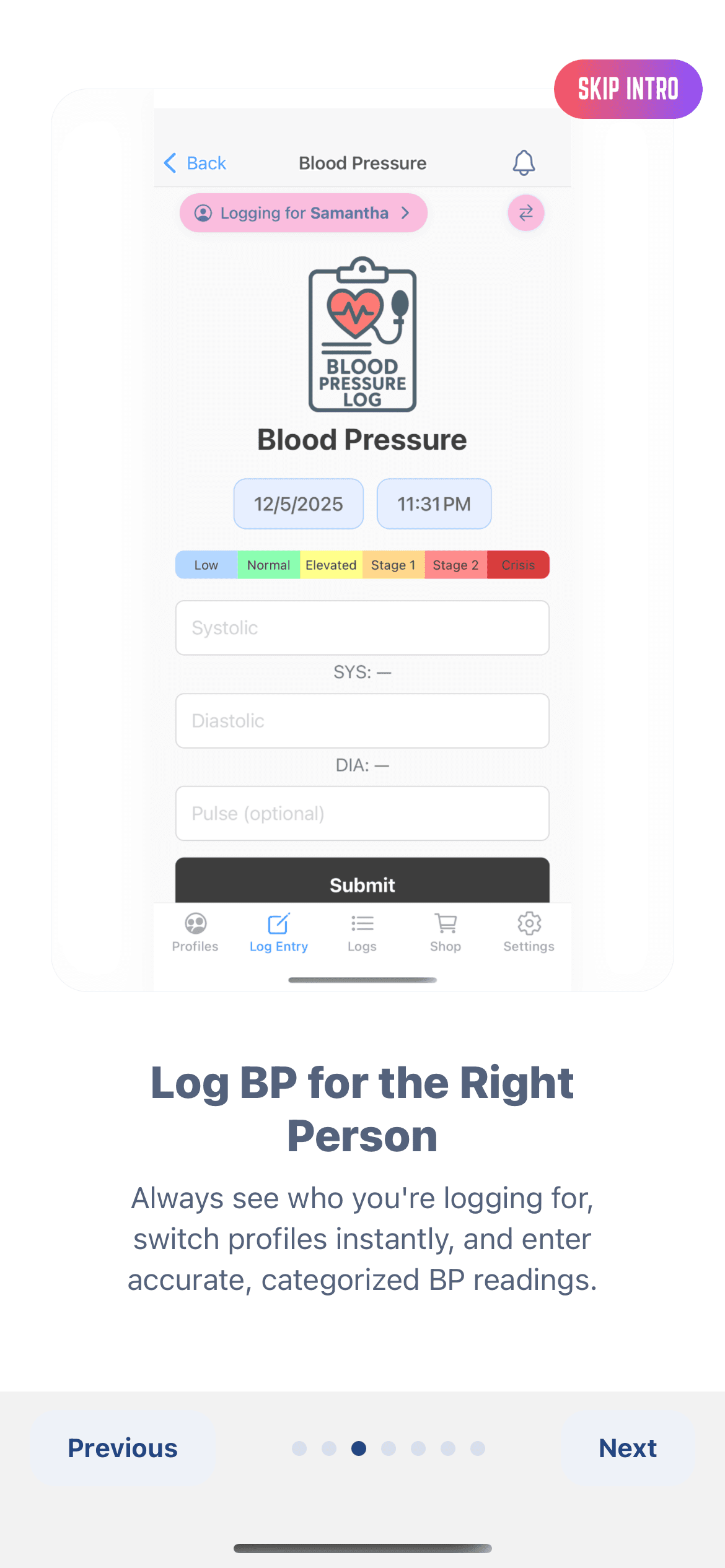
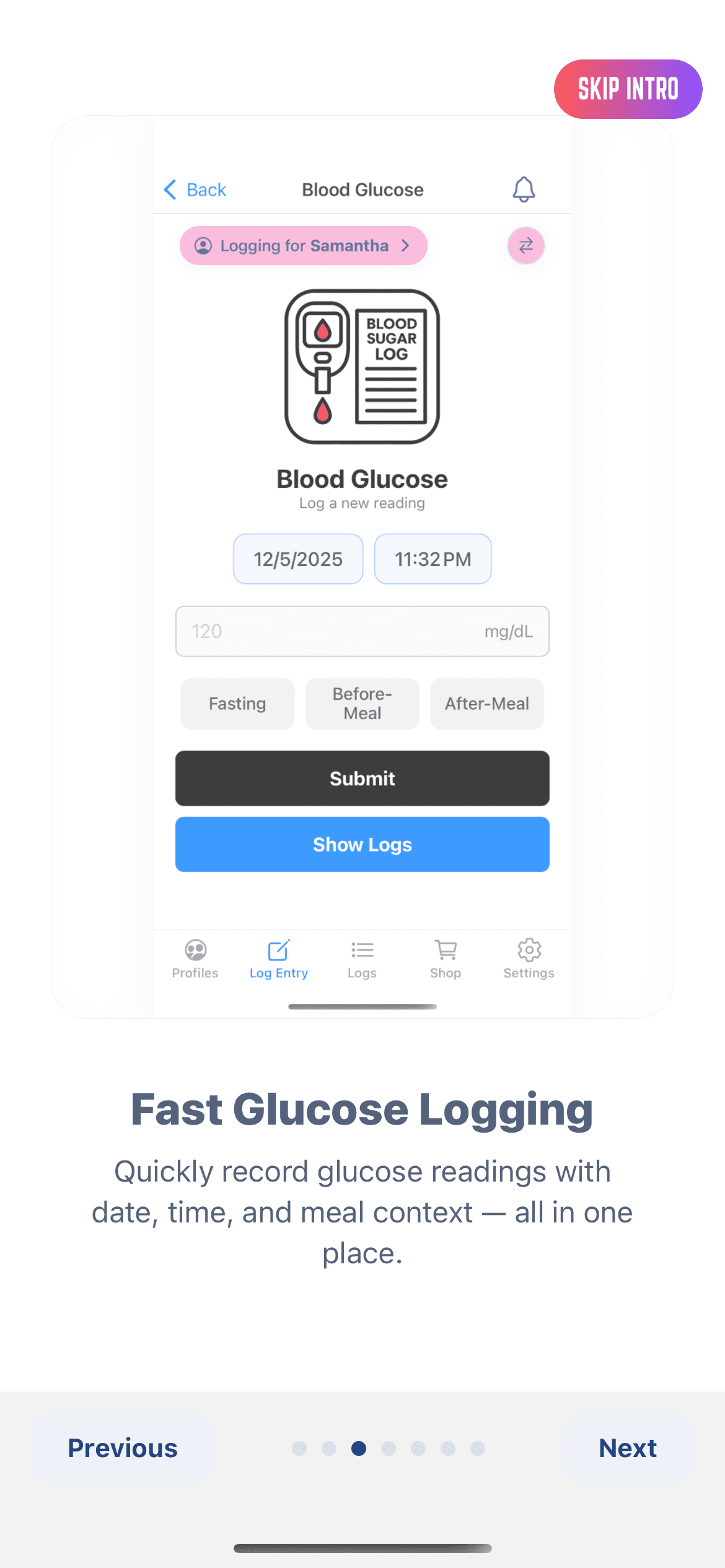
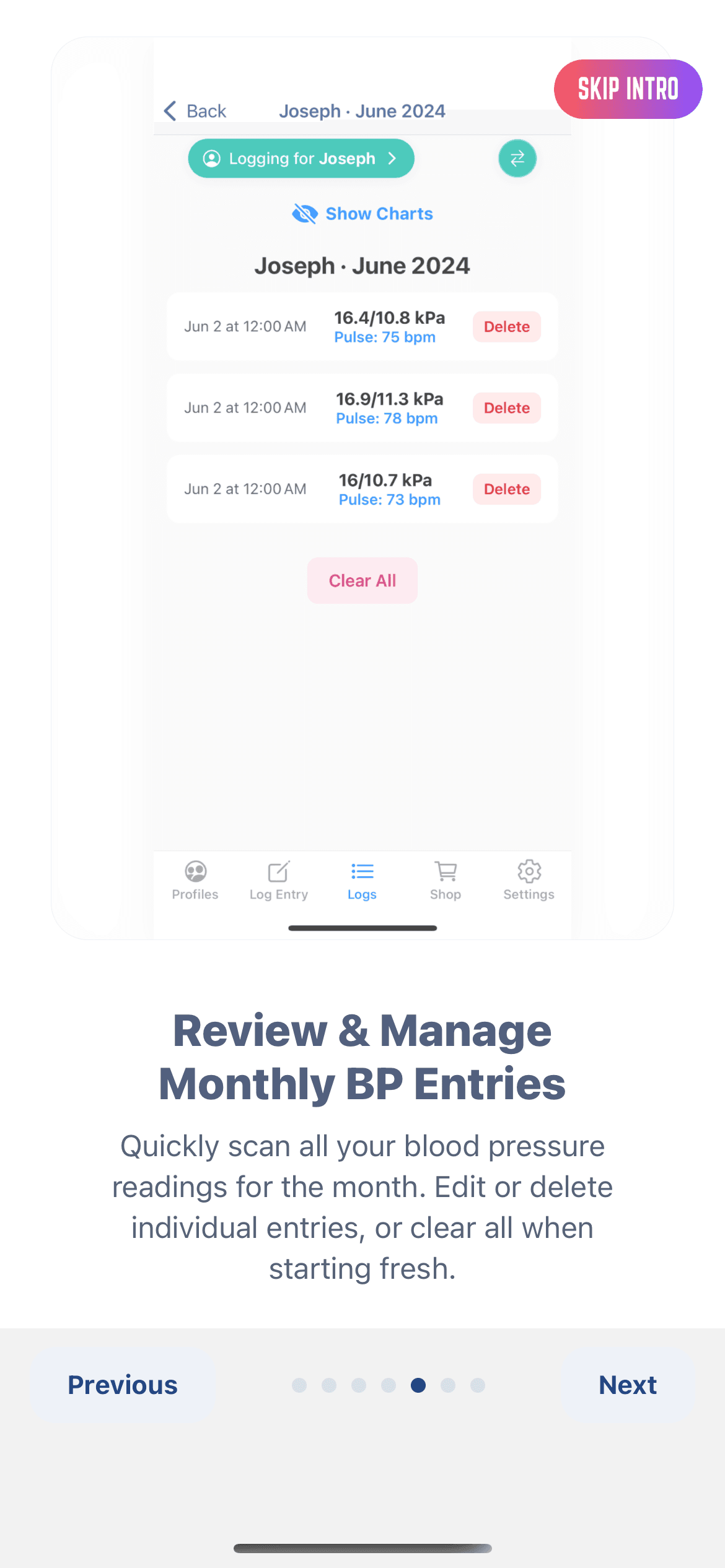
Enter systolic/diastolic/pulse or mg/dL, tag the time of day, and add a quick note like “after walk” or “before meds.” We group everything by day and month automatically for each profile.
Step 3
Share a clean report
Export a monthly PDF with color-coded trends before your visit. Email it, print it, or show it from your phone — it stays readable for your doctor.